Jigglr keeps your Windows PC awake.
A free tray app that stops the screen from locking while you step away. It never clicks or types, and it collects no data.

What it does
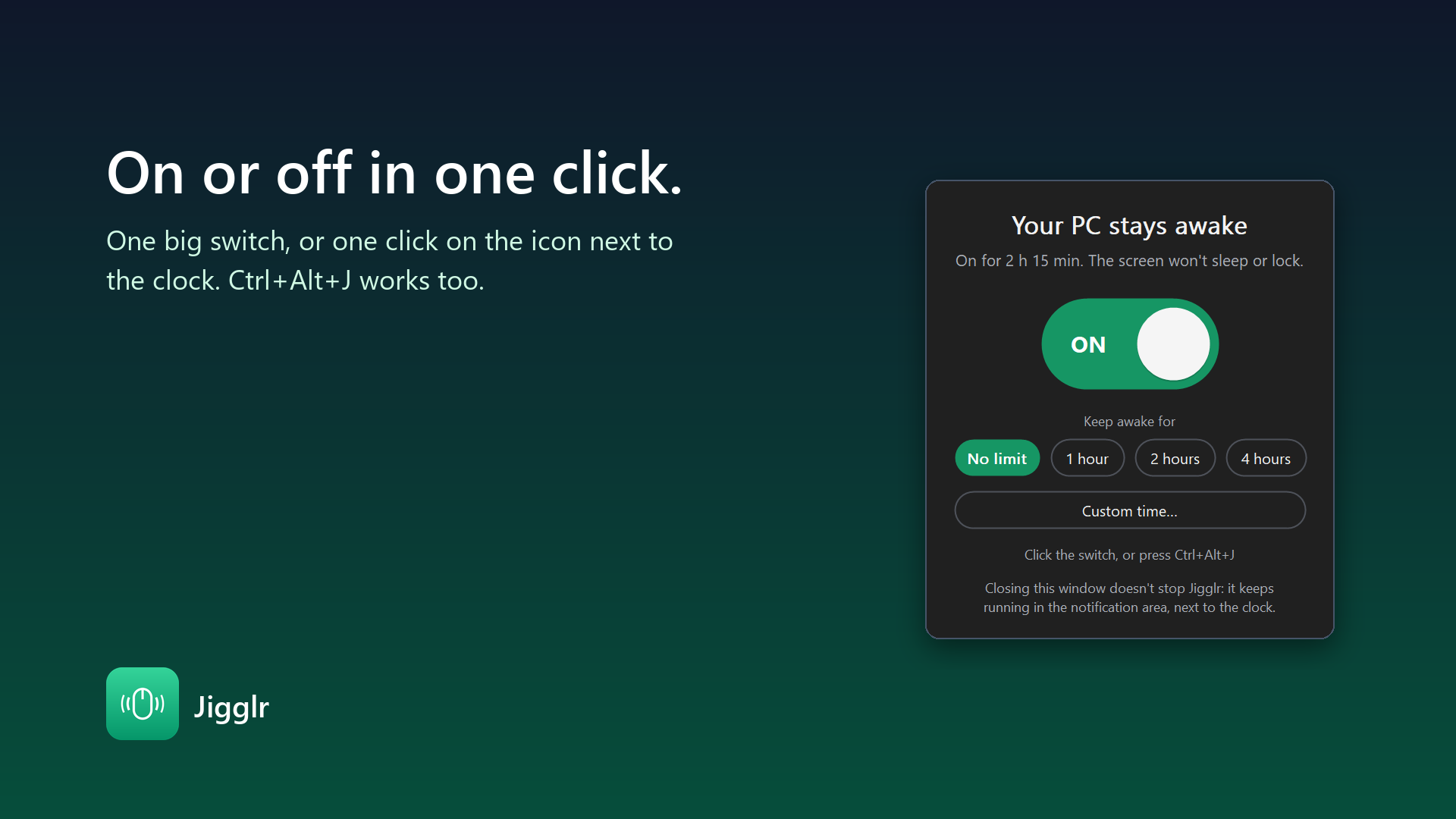
- Keeps the system and the display awake while it is on
- Stops the screen saver and the automatic lock from kicking in
- When you are idle, moves the pointer a little and puts it straight back
- Never clicks, never types, never scrolls
- On or off with one big switch, a click on its icon, or Ctrl+Alt+J
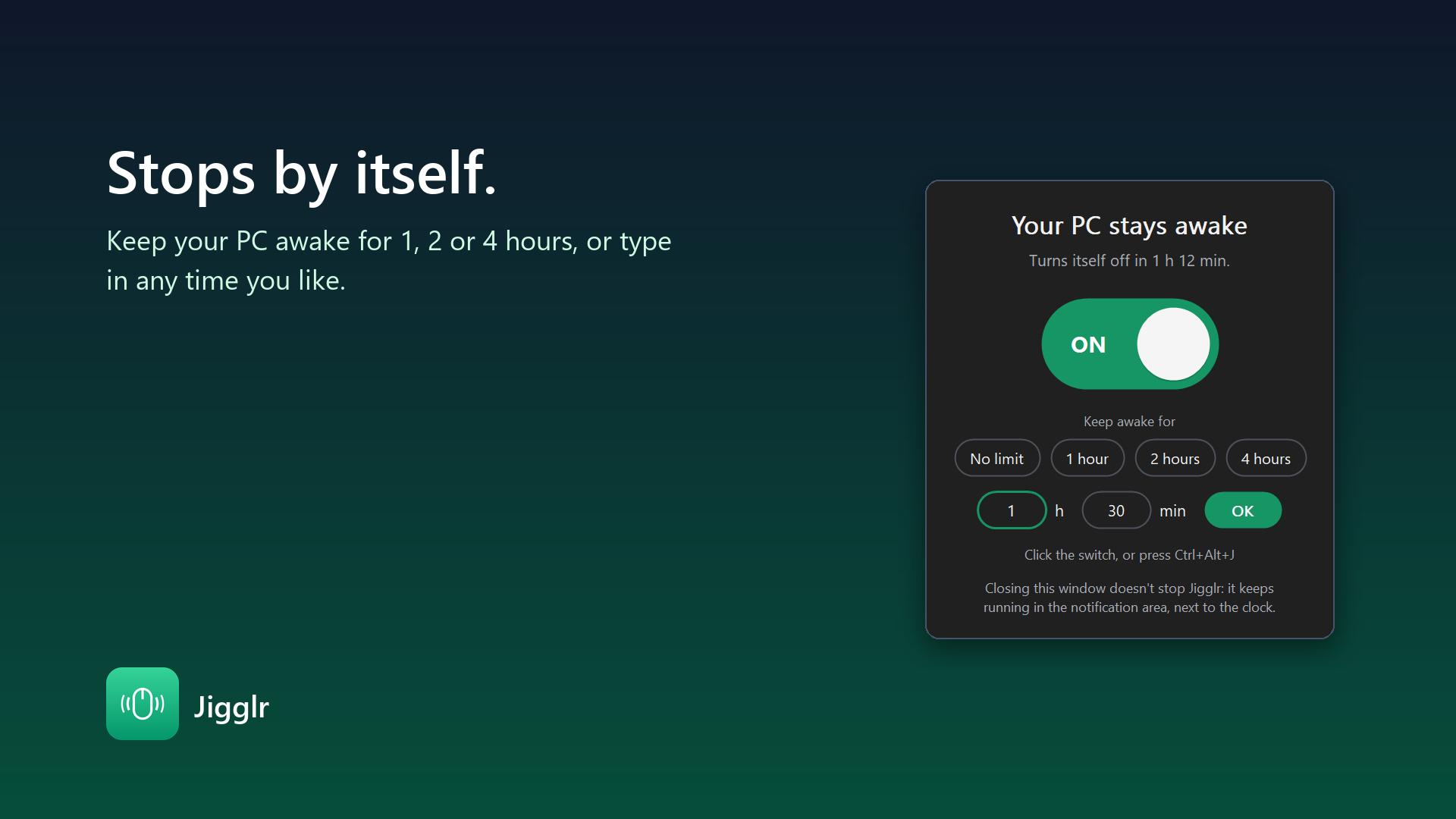
- A timer of 1, 2 or 4 hours, or any time you type in
- In English, French, German and Spanish
- Optional: start with Windows
- Free. No account, no ads, no data collected
Made for long tasks
Long downloads and updates, video renders and exports, presentations and screen sharing, remote sessions, AI agents finishing a task: turn Jigglr on before you step away, and off when you are back.
Install
From the Microsoft Store,
or from a terminal: winget install 9P3KS5VCK7ZJ -s msstore
Questions
- Does Jigglr click or type anything?
- No. It only asks Windows to stay awake and, when you are idle, moves the pointer a little and back.
- Does it collect data?
- No. There is no account, no analytics and no advertising.
- Where is it?
- A window opens when you start it from the Start menu. Close it and Jigglr keeps running in the notification area, next to the clock. On Windows 11 the icon may sit behind the ^ arrow; you can drag it out.
- Can I use it on a work PC?
- Please follow your organization's IT policies. Lock settings on a managed PC are set by your IT department.
- Is it free?
- Yes. See the license.